初めて使う方へ
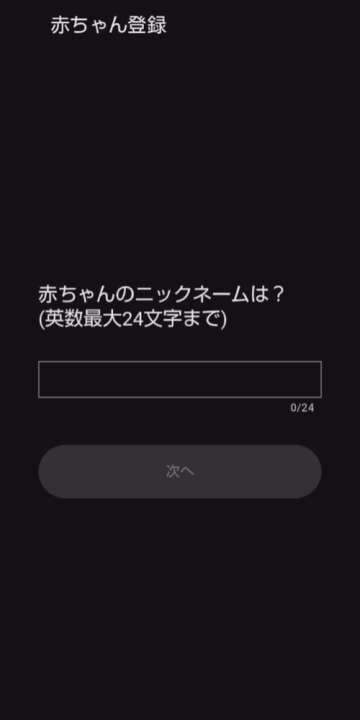
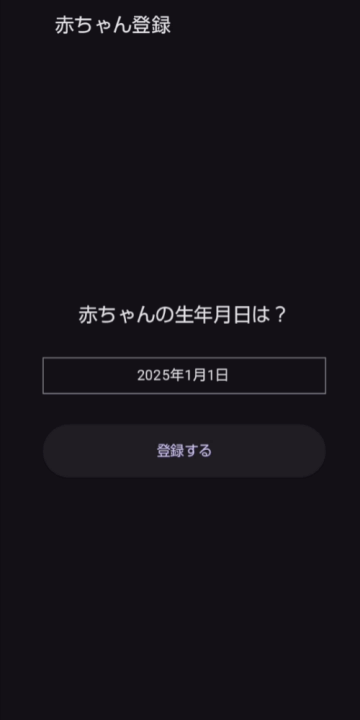
赤ちゃんのニックネームと生年月日
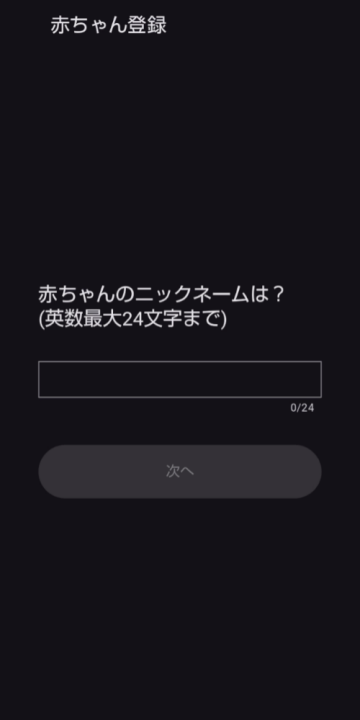
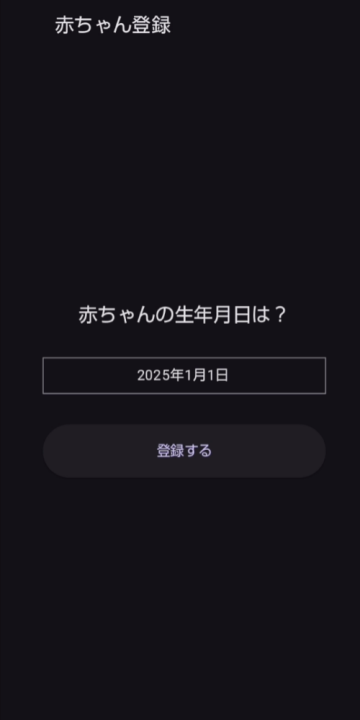
赤ちゃんのニックネームと生年月日を入力します。
ニックネームは英数のみの入力となります。
ローマ字(Kumi)やイニシャル(KK)など、自由にご入力ください。
※後で変更などはできません。
2人目以降の赤ちゃんはモード選択画面の左側メニューから追加できます。
ニックネームは英数のみの入力となります。
ローマ字(Kumi)やイニシャル(KK)など、自由にご入力ください。
※後で変更などはできません。
2人目以降の赤ちゃんはモード選択画面の左側メニューから追加できます。
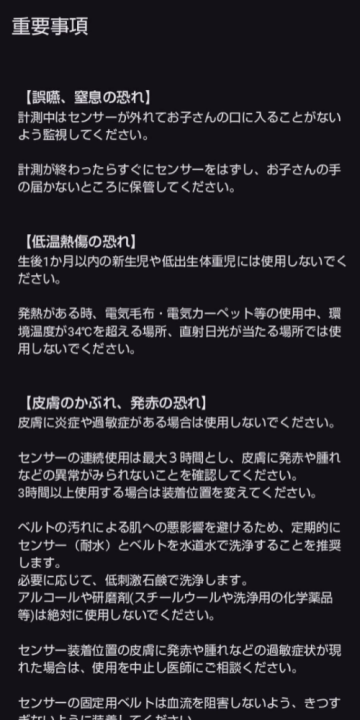
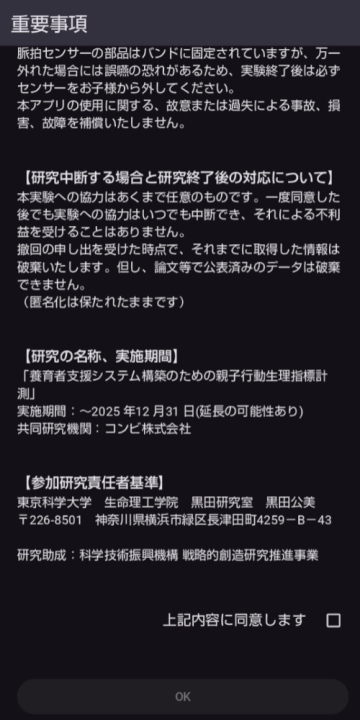
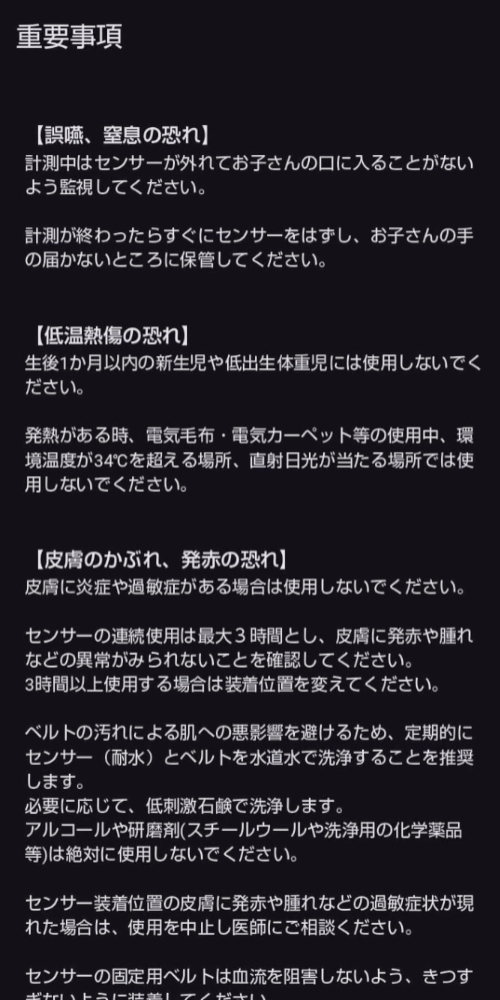
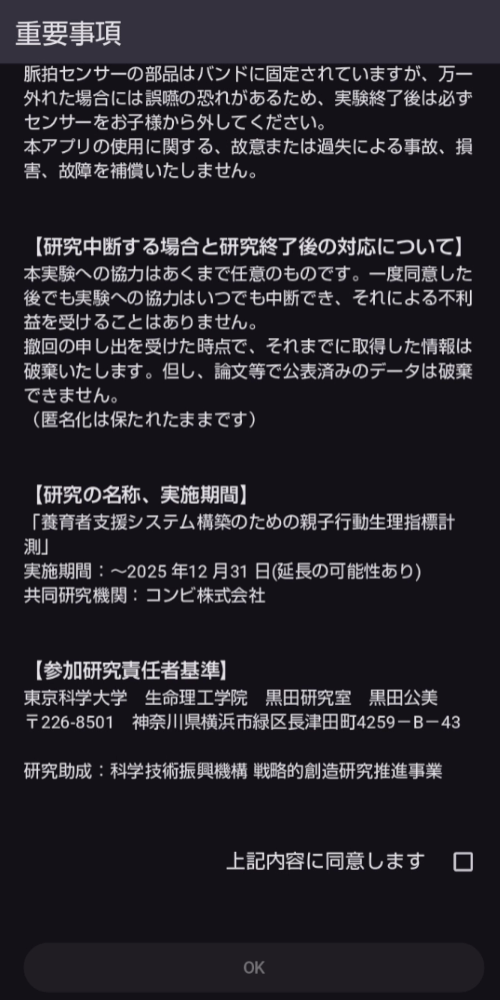
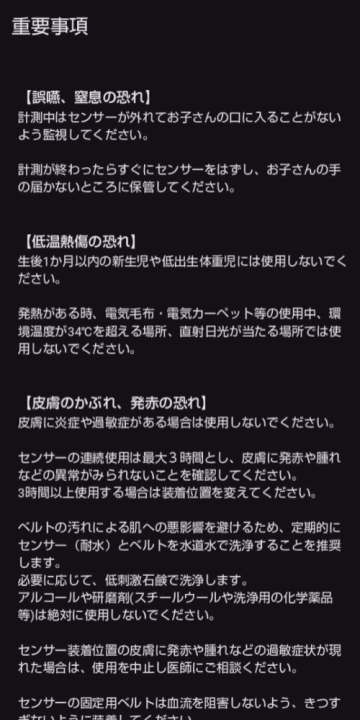
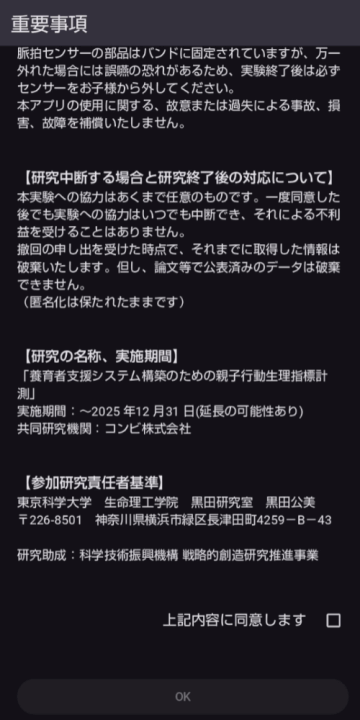
重要事項説明
当アプリご利用に関する説明事項と、PolarVeritySenseセンサー利用に関する注意事項、研究参加に関する同意事項等の説明があります。
内容をよくご確認下さい。
※ご同意頂けない場合、本アプリは利用できません。
また、このテキストはモード選択画面の左側メニュー、「使用上の注意」「研究同意事項」からそれぞれご確認頂けます。
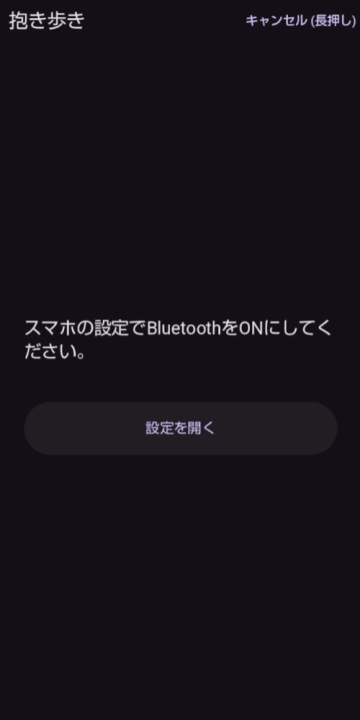
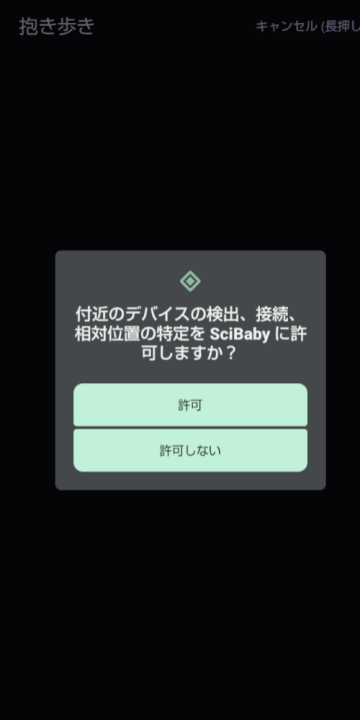
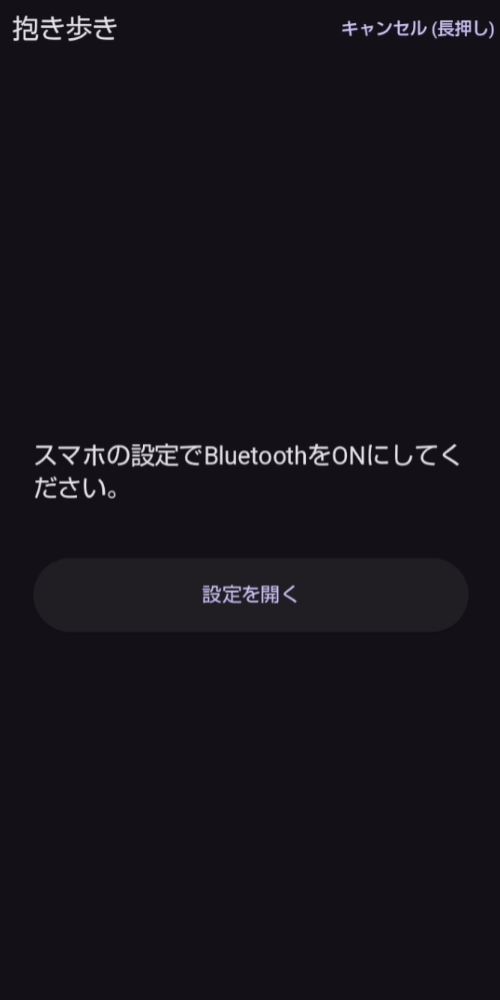
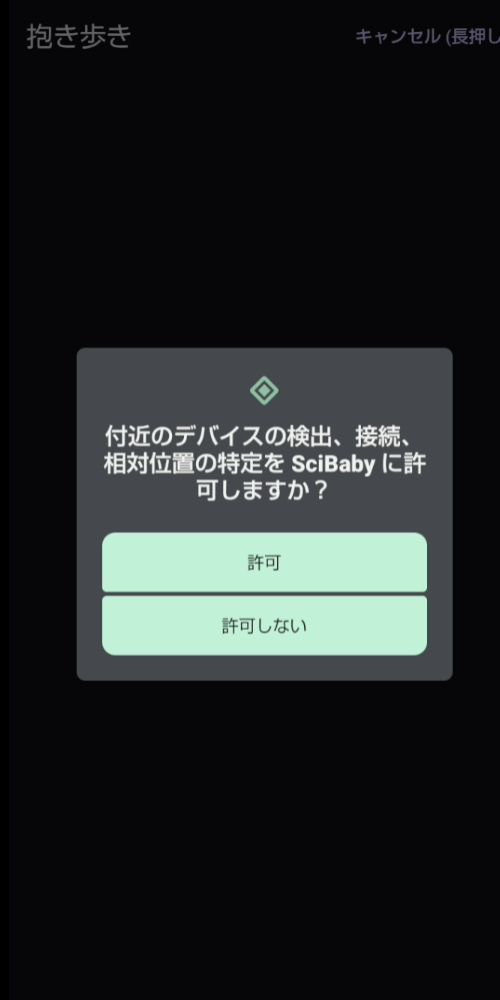
権限を許可
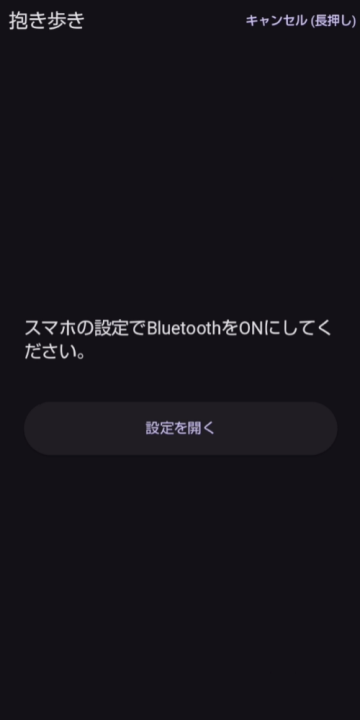
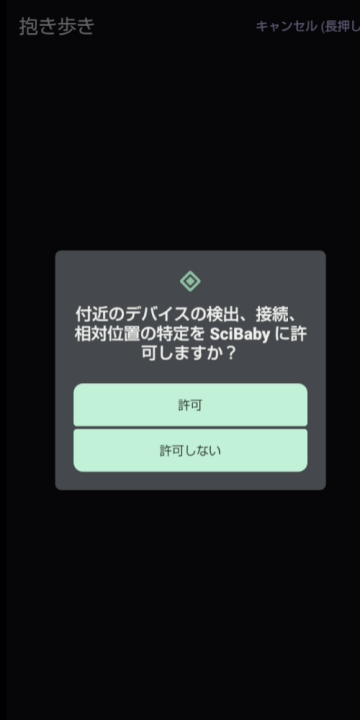
抱き歩きモードでPolarVeritySenseに接続する前に、「付近のデバイスの検出」権限の許可が必要です。
PolarVeritySenseに接続後、機種ごとに「デバイスのペア設定」通知が出ます。こちらも許可するようお願いします。
また、通常の計測では最後に30MB程度のデータをアップロードするため、WiFi接続が求められます。
PolarVeritySenseに接続後、機種ごとに「デバイスのペア設定」通知が出ます。こちらも許可するようお願いします。
また、通常の計測では最後に30MB程度のデータをアップロードするため、WiFi接続が求められます。
For First-Time Users
Baby's Nickname and Date of Birth
Important Notice
Grant permission
Before connecting to PolarVeritySense in Carry Mode, you must grant permission for the “Detect nearby devices” permission.
After connecting to PolarVeritySense, a “Device Pairing” notification will appear for each device model. Please grant permission for this as well.
Additionally, for regular measurements, approximately 30MB of data is uploaded at the end, requiring a Wi-Fi connection.